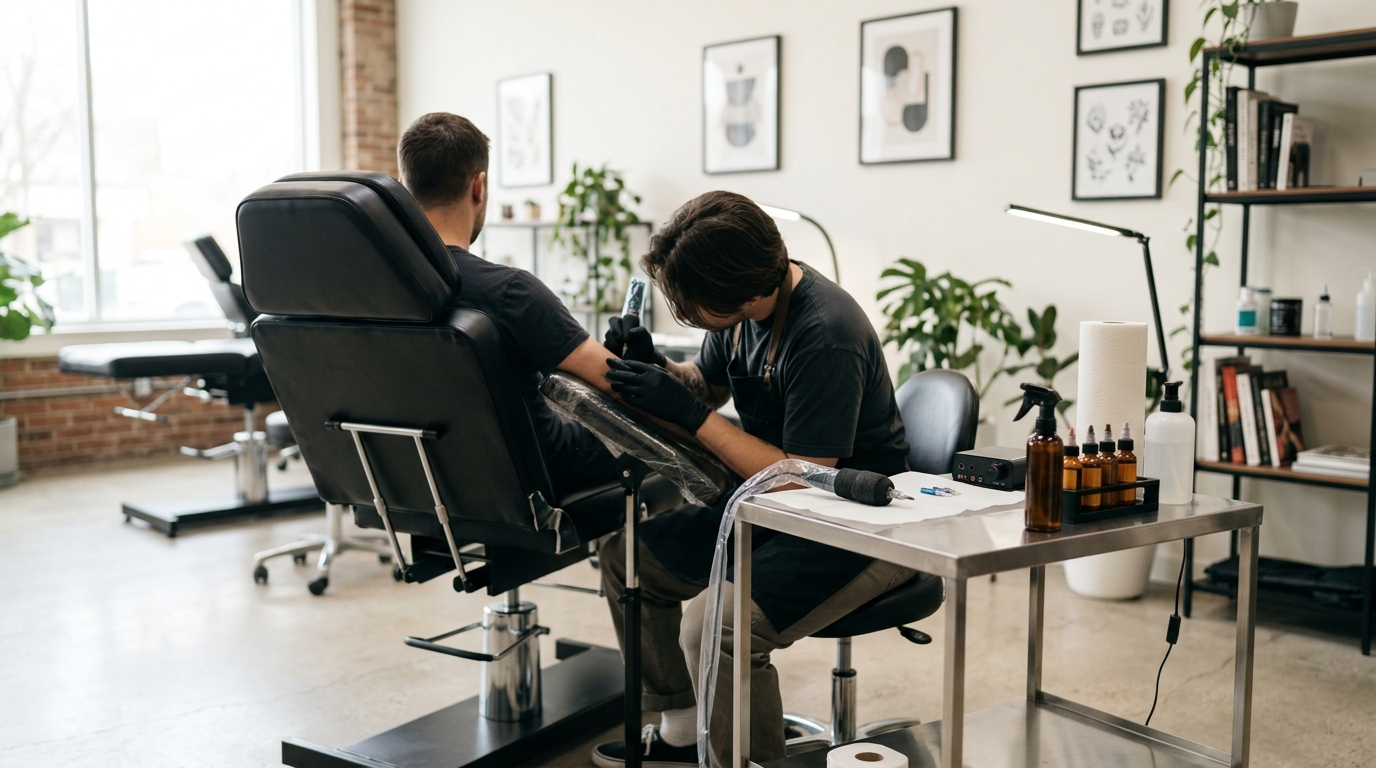
Tattoo bookings block out long, expensive slots — a multi-hour custom piece is a very different booking than a 20-minute walk-in trim, and a no-show costs far more. The best booking software for tattoo studios needs to handle deposits, reference photo uploads, and consent forms, not just a calendar slot. Here’s how the top options compare in 2026.
What Tattoo Studios Need That General Scheduling Tools Often Miss
Deposit collection for long sessions — since a missed multi-hour appointment is a serious loss, requiring a deposit (often non-refundable) at booking is standard practice in the industry.
Reference photo and file uploads — clients booking custom work typically need to attach reference images before the artist can confirm the appointment.
Consent and health forms — collecting age verification and health/consent questions before the session is both a legal and safety requirement in most places.
Multi-artist calendars — for studios with more than one artist, each needs an individual calendar and booking link, with the studio owner able to see all of them together.
Best Booking Software for Tattoo Studios, Compared
Bookedin — Best Dedicated Option with a Real Free Plan
Bookedin isn’t tattoo-exclusive, but it’s purpose-built for exactly this kind of appointment-based small business, and its free plan is genuinely usable: appointment scheduling, an online booking page, and calendar embedding at no cost. The Plus plan ($24/month) adds payment processing and recurring bookings; the Pro plan ($39/month) adds file attachments to bookings — useful for reference photos — plus the ability to remove Bookedin’s own branding.
Best for: solo artists or small studios that want file/reference photo support without paying for a niche tattoo-specific platform.
Visit Bookedin
Square Appointments — Best if You Already Use Square for Payments
For studios already running Square hardware for point-of-sale, Square Appointments plugs in directly and handles deposit collection well. The Free plan covers one artist and one location with standard Square processing rates (~2.6% + 15¢ in person). Multi-artist studios need the Plus plan ($49/month per location), which adds multiple staff calendars.
Best for: studios already using Square for payments that want deposits and scheduling on the same platform.
Visit Square Appointments
GlossGenius — Best for a Polished Booking Page With Payments Built In
GlossGenius offers a visually strong booking page, useful for artists who want their portfolio and booking flow in one place. Standard plan pricing is $24/month (annual) or $28/month (monthly), covering a solo artist or one additional staff member, with a flat 2.6% card processing fee on every transaction on top of the subscription.
Best for: solo artists who want their booking page to double as a portfolio showcase.
Visit GlossGenius
A Note on Tattoo-Specific Platforms
Newer platforms built exclusively for tattoo artists — like Venue Ink and FlashBooker — are worth knowing about, since they handle industry-specific workflows (flash galleries, custom quote requests, design approval steps) more natively than general scheduling tools. They’re generally priced in a similar range to the options above, but as newer, narrower platforms it’s worth checking current pricing and feature stability directly before switching an established studio over.
Pricing Comparison Table
| Software | Free Plan | Starting Paid Price | File/Photo Uploads |
|---|---|---|---|
| Bookedin | Yes — basic booking | $24/mo (Plus) | Yes, on Pro plan ($39/mo) |
| Square Appointments | Yes — 1 location, 1 artist | $49/mo per location | Limited |
| GlossGenius | No (14-day trial) | $24/mo (annual) | Via portfolio/gallery features |
Which One Should You Choose?
Solo artist just starting out, budget-conscious: Bookedin’s free plan.
Studio already using Square for payments/POS: Square Appointments.
Artist who wants their booking page to double as a portfolio: GlossGenius.
Frequently Asked Questions
Can clients upload reference photos when booking?
Yes on Bookedin’s Pro plan ($39/month), which supports file attachments on bookings. This is one of the more specific needs for tattoo bookings that general scheduling tools don’t always support.
Is there a genuinely free option for a solo tattoo artist?
Yes — Bookedin’s free plan covers basic scheduling and an online booking page, and Square Appointments’ free plan works for a single artist already using Square for payments.
Can I require a deposit before confirming a tattoo appointment?
Yes, all three options support deposit or payment collection at booking, though it requires a paid plan on Bookedin (Plus, $24/month) and GlossGenius.
Should I use a tattoo-specific platform instead?
It depends on how specialized your workflow is. Dedicated platforms like Venue Ink handle flash galleries and custom quote requests more natively, but the general tools above cover deposits, reminders, and multi-artist scheduling well for most small studios.
Running a different type of small business? See our comparisons for barbershops, nail salons, personal trainers, dental clinics, massage therapists, and yoga studios.