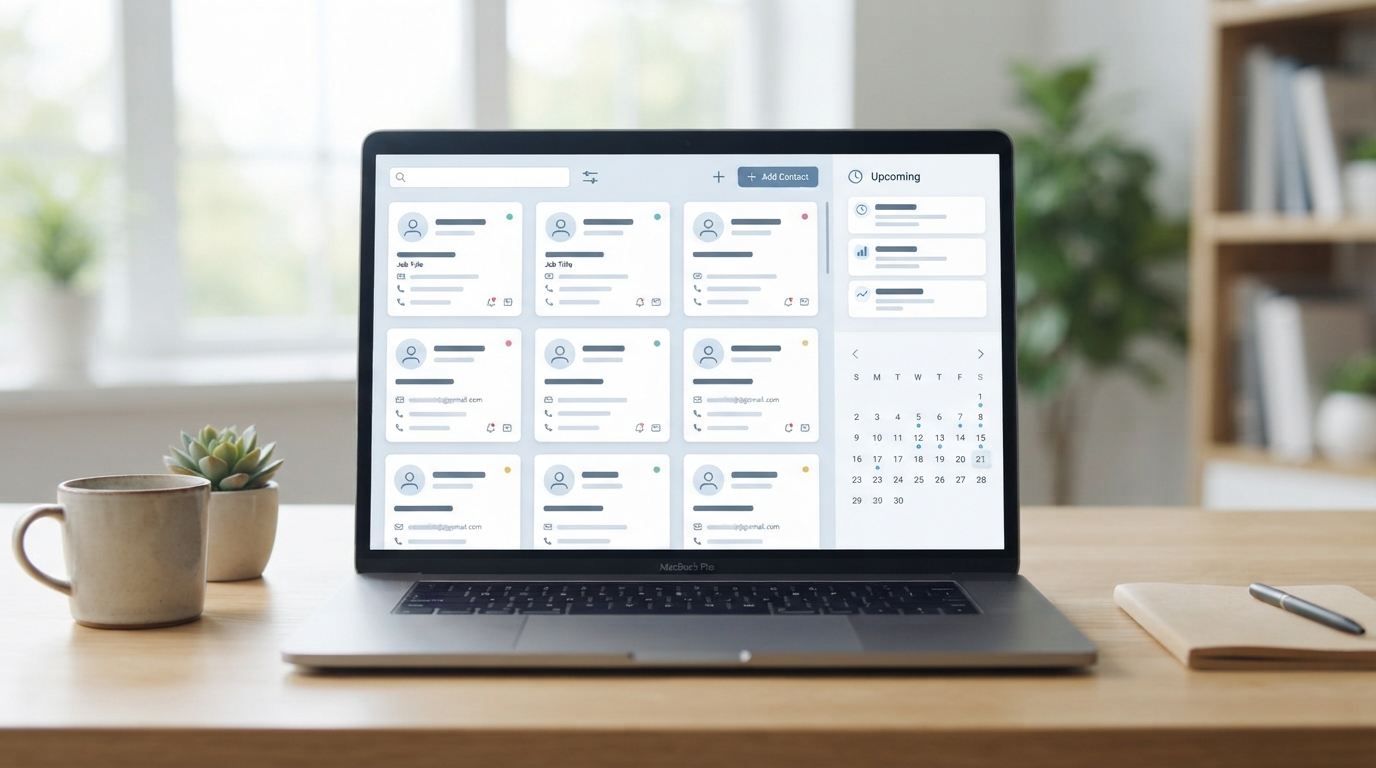
Switching between a scheduling tool and a separate CRM means every booked appointment has to be manually logged as a contact interaction — or it simply doesn’t get tracked at all. For businesses where every appointment should also update a client record, a CRM with scheduling built in removes that gap entirely. Here’s what’s actually worth considering in 2026.
Why a Combined CRM and Scheduling Tool Makes Sense for Some Businesses
No manual data entry after each booking — an appointment automatically becomes a tracked contact interaction, rather than a separate calendar event you have to remember to log.
Full client history in one place — past appointments, communication history, and deal or service status are visible together, useful for any business with an ongoing sales or client relationship process, not just a single transaction.
Automated follow-up sequences — a completed appointment or a no-show can automatically trigger a follow-up email or task, which a standalone scheduler can’t do on its own.
This isn’t the right fit for every business — a barbershop or nail salon generally doesn’t need deal-stage tracking. It matters most for businesses with a longer sales cycle or ongoing client relationship: consultants, coaches, financial advisors, real estate agents, and B2B service providers.
Best CRMs With Booking Built In, Compared
HubSpot Meetings (Free CRM) — Best Free Option
HubSpot’s core CRM is free with unlimited users and contacts, and its Meetings tool is included at no cost — every booking automatically creates or updates a contact record with zero manual export step, since scheduling and CRM live in the same system natively. Basic scheduling and calendar sync (Google, Outlook) are covered on the free tier; advanced features like round-robin routing and custom branding require a paid Sales Hub tier starting around $45/month.
Pros: genuinely free CRM with scheduling included, not just a trial; booking data flows directly into contact records with no integration setup.
Cons: the free tier’s scheduling features are basic; round-robin routing and deeper automation require a real cost jump to Sales Hub.
Best for: businesses that want a real CRM (not just a scheduler with contact notes) and are comfortable starting on HubSpot’s ecosystem.
Visit HubSpot
Zoho CRM — Best for Businesses Already Using Zoho’s Ecosystem
Zoho CRM includes built-in appointment booking, calendar integration, and automated reminders alongside standard CRM functions (lead, contact, and deal management), with AI-driven insights through Zoho’s Zia assistant. It fits naturally for businesses already using other Zoho products (Zoho Books, Zoho Bookings) as part of a connected suite rather than standalone tools.
Pros: scheduling and CRM data connected natively; part of a broader affordable business software suite.
Cons: deepest value requires buying into the wider Zoho ecosystem rather than using it as a single point solution.
Best for: businesses already using or considering Zoho’s broader suite of business tools.
Visit Zoho CRM
A Note on Acuity Scheduling for This Use Case
Acuity Scheduling isn’t a full CRM, but its client profiles, intake forms, and package/purchase history cover a meaningful part of what a lightweight CRM does for a service business — without the cost or complexity of adopting a full sales CRM. For businesses whose main need is tracking client appointment and purchase history (not a multi-stage sales pipeline), Acuity alone may cover the gap that would otherwise require HubSpot or Zoho.
Signs a Full CRM Is Overkill for Your Actual Business
Not every business benefits from combining scheduling and CRM, even when the option is free. If your typical client relationship is a single transaction (a haircut, a one-time consultation) with no real follow-up sequence or multi-touch sales process, a CRM’s deal-stage tracking and pipeline reporting are features you’ll set up once and never look at again — genuine overhead without a matching benefit. The clearest signal you actually need one: you’re currently tracking prospect status, follow-up timing, or deal likelihood in a separate spreadsheet or your memory, and losing track of where things stand with specific clients as a result. If that’s not happening, a dedicated scheduler without CRM features is very likely the better fit, not a compromise.
Which One Should You Choose?
Want a genuinely free CRM with scheduling, no trial expiration: HubSpot’s free CRM plus Meetings tool.
Already using or considering Zoho’s broader business suite: Zoho CRM.
Just need client history and packages, not a full sales pipeline: Acuity Scheduling alone likely covers it without adding a CRM.
Need advanced routing or lead qualification for a sales team: budget for HubSpot’s paid Sales Hub tier from the start rather than expecting the free tier to cover it.
Frequently Asked Questions
Is HubSpot’s scheduling tool actually free, or just the CRM?
Both — the core CRM and the Meetings scheduling tool are included at no cost, with paid Sales Hub tiers required only for advanced features like round-robin routing.
Do I need a full CRM if I only book simple one-off appointments?
Probably not — a dedicated scheduler like Setmore or Acuity is simpler and cheaper if you don’t need deal-stage tracking or a multi-touch sales process.
Can I add scheduling to a CRM I already use instead of switching?
Often yes — most major CRMs either include basic scheduling natively or connect to dedicated schedulers like Calendly via integration, which may be simpler than migrating to a new all-in-one platform.
Which is better for a solo consultant: a CRM with scheduling, or a dedicated scheduler?
Depends on sales complexity — if you’re mostly booking discovery calls with minimal follow-up tracking, a dedicated scheduler like Calendly is simpler. If you’re managing an ongoing pipeline of prospects at different stages, a CRM with scheduling built in saves real manual tracking work.
See related comparisons: consultants and freelancers and financial advisors.